Economy & trade
Open a market stall
Craft your stall, set unit prices, stock real items, and collect your earnings.
Realm Markets · v0.2.1Craft and place a stall
Choose a Crimson or Green Market Stall. They share the same features and occupy two blocks wide, two high, and one deep.
| Left | Centre | Right |
|---|---|---|
| Wool | Wool | Wool |
| Planks | Barrel | Planks |
| Stick | Empty | Stick |
Use red wool for crimson and green wool for the green variant. The player placing the stall becomes its owner. Right-click either part to open it and stay near the physical stall while using the menu.
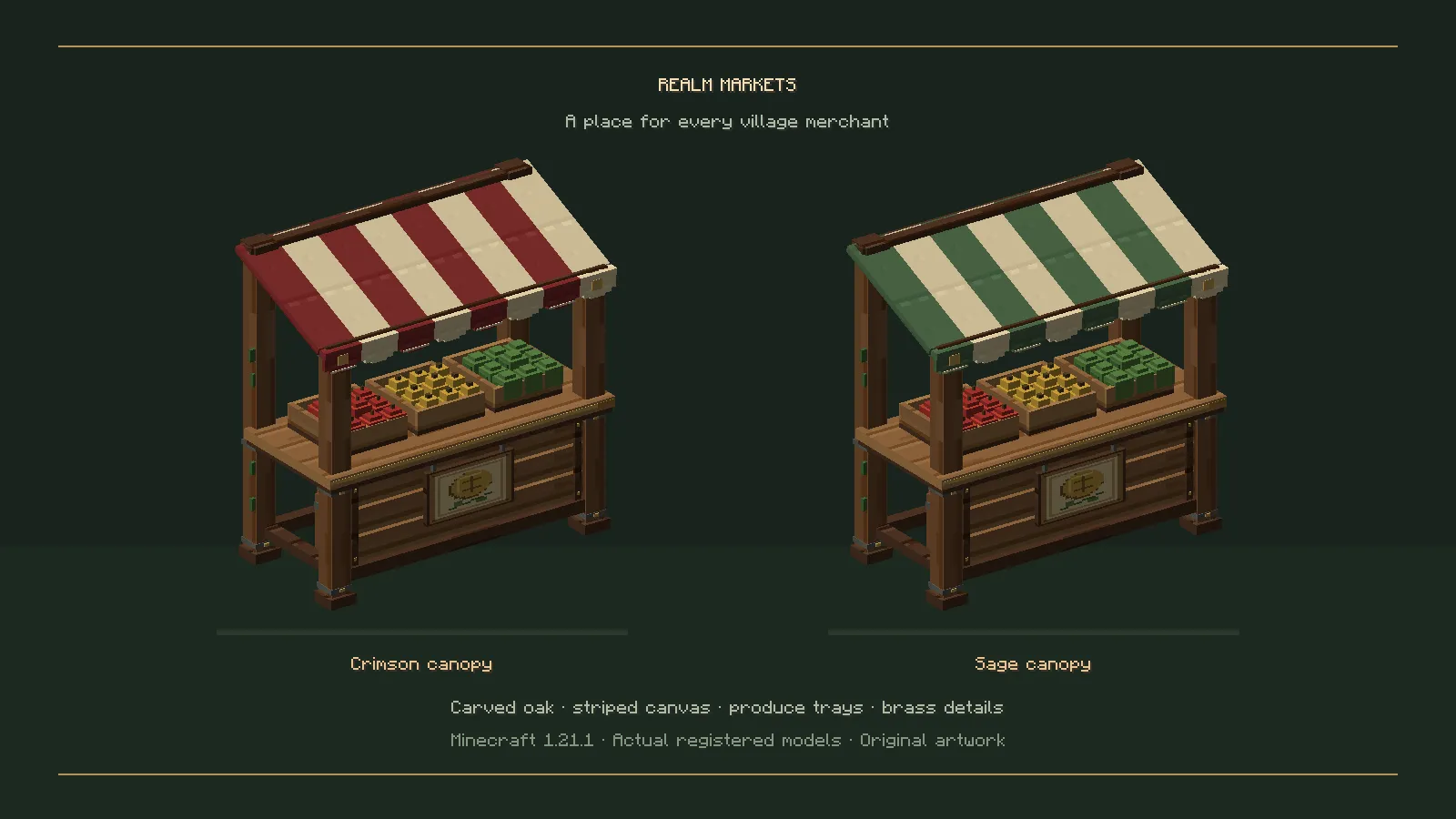
The two stall variants in a reference Minecraft scene.
Make an offer
- Hold the item you want to sell in your main hand.
- Select an offer slot and set the price of one item.
- Use the stocking action to move the selected quantity from your main inventory into the stall.
- Buyers select the offer and quantity, then review the unit price and total before buying.
This version supports items without custom data. Consult the source guide before planning trades in named, enchanted, or otherwise customised items.
Collect your earnings
The stall can sell while you are offline. Sale proceeds stay at the stall until you return and choose the collect-earnings action. A sale notification is not necessarily a deposit into your personal wallet.
Currency and tax
Stalls work with emeralds independently. When the supported Origins integration is available, newly created stalls can use the digital wallet.
With Treasury installed, the ruler can configure a sales tax. The buyer pays the announced price, and the seller receives the net amount after tax. Review the menu’s figures before confirming.
Updating a trading world
Back up the world, stalls, character profiles, and treasury together. Keep the same mod versions on clients and server.
See the source guide for stock recovery, ownership, currency, and persistence rules.
Part of the Realm Studios player wiki.
Created from the mod documentation by ROCKadm.